Description
Intelligent personal assistant on your phone: imagine having, in your pocket, an advisor available 24/7, able to answer your questions, organize your days, and anticipate your needs — without a complex subscription or an endless learning curve.
Intelligent personal assistant on your phone: why adopt it in 2026?
Whether you’re a busy professional or a curious individual, an intelligent personal assistant on your phone turns your smartphone into a daily ally for organizing, reminding, and automating.
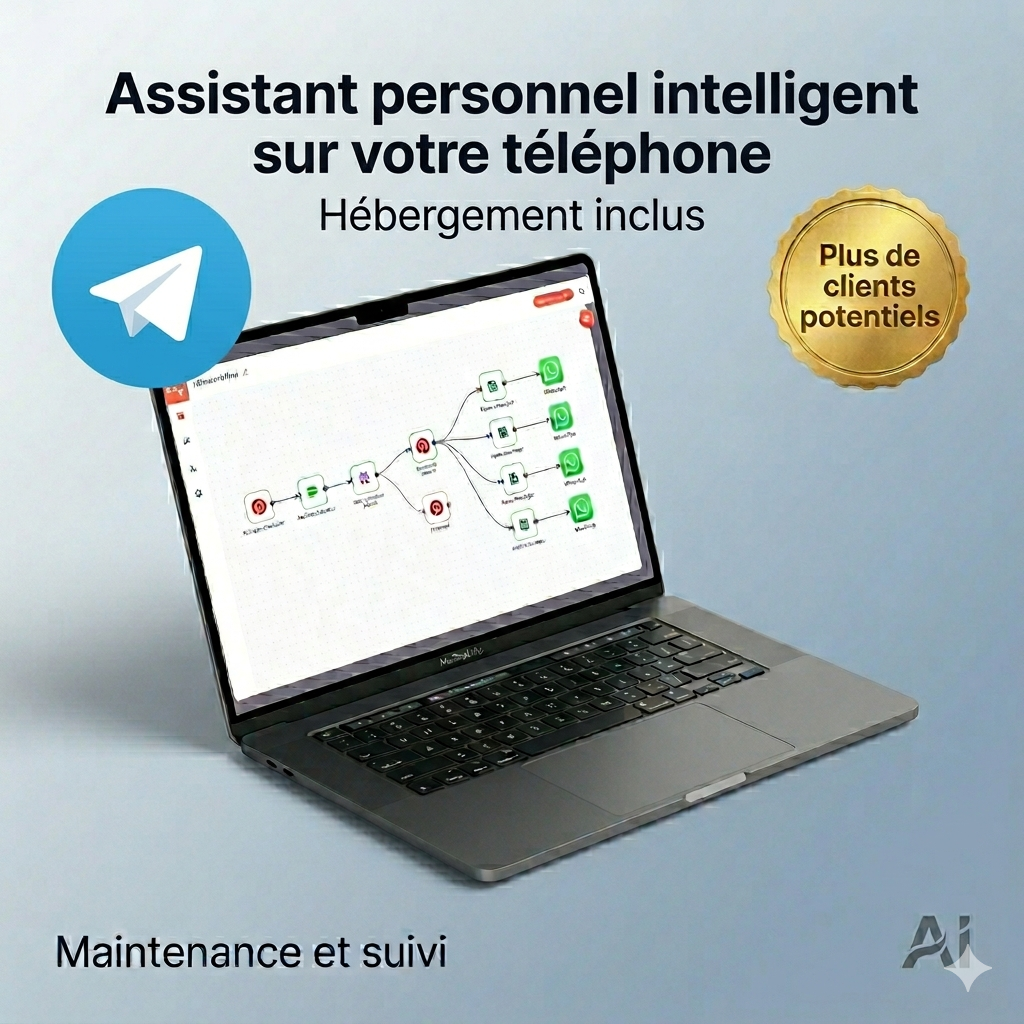
What is an intelligent personal assistant on your phone?
An intelligent personal assistant is a piece of software powered by artificial intelligence, designed to interact with you in natural language, directly from your smartphone. Unlike classic apps that execute fixed commands, this assistant understands context, remembers your preferences, and adapts its answers as the conversation progresses.
This type of tool belongs to the category of advanced conversational agents. It goes far beyond a simple chatbot: it can plan, search for information, summarize documents, draft messages, and coordinate several tasks simultaneously. All from a fluid mobile interface, without requiring a heavy installation or technical configuration.
What this assistant is not
It does not replace a human expert in sensitive fields (medical, legal, regulated financial). It is designed to augment your daily productivity, not to make critical decisions on your behalf. Transparency about its limits is part of its design.
How it works: the key steps
Using the assistant follows a simple path, designed to slot naturally into your professional or personal routine.
Step 1 — Access and initial setup
After installing on your phone (iOS or Android), you create a profile in a few minutes. You indicate your language preferences, your main areas of activity and, if you wish, your recurring goals. No sensitive data is required to get started.
Step 2 — Natural language interaction
Ask your questions or make your requests as you would with a colleague: in writing or by voice. The assistant analyzes the intent behind your message, not just the words. It can rephrase if the request is ambiguous, and present you with options rather than imposing a single answer.
Step 3 — Task execution and tracking
For complex tasks — such as organizing an itinerary, summarizing a series of emails, or preparing a meeting — the assistant breaks the work down into visible sub-steps. You stay informed of progress and can step in at any time to adjust priorities.
Step 4 — Progressive learning
Over the course of your exchanges, the assistant refines its understanding of your habits. It anticipates certain recurring requests and offers you relevant suggestions, without ever imposing unwanted automated behavior on you.
Concrete benefits for your daily life
The benefits of such a tool are measured in reduced mental load, faster execution of repetitive tasks, and the quality of information available at all times.
Time savings on low-value-added tasks
Drafting a first-pass email, finding an address, translating a text, checking a schedule: these micro-tasks accumulate and consume a significant share of the day. The assistant handles them in seconds, freeing you up for activities that require your judgment and creativity.
Uninterrupted availability
Whether you’re traveling, in a different time zone, or simply outside office hours, the assistant responds immediately. This constant availability is especially valuable for professionals on the move or teams spread across locations.
Optimized mobile interface
The app’s ergonomics are designed for small-screen use: concise answers, the ability to dictate by voice, and an easily browsable conversation history. You can pick up a task where you left it, even several days later.
Integration with your existing tools
The assistant can connect to your calendar, notes, and certain third-party apps, depending on the integrations enabled. It centralizes information without forcing you to change your software habits.

Who is this assistant designed for?
This tool addresses a wide range of profiles, from independent professionals to frequent travelers, including in-house teams looking to optimize their organization.
Professionals who travel frequently
For those who move between cities and time zones, the assistant becomes an anchor point: it manages confirmations, synthesizes important information, and helps maintain coherent organization despite the mobility. If you regularly prepare complex trips, you’ll also find our AI-assisted travel planner useful, designed specifically to structure your itineraries.
Entrepreneurs and freelancers
Without a dedicated support team, every minute counts. The assistant absorbs part of the administrative load — first client contacts, background research, prioritization — letting you stay focused on your core business.
The curious and travelers
Before or during a trip, the assistant answers practical questions, suggests alternatives, and helps you navigate unfamiliar environments. It works alongside an interactive digital travel guide for a richer, more coherent exploration experience.
Hybrid teams
In a distributed work context, the assistant acts as a lightweight shared memory: it documents exchanges, reminds you of deadlines, and eases preparation for team check-ins, even when members work from different locations.
Frequently asked questions
Is my data secure?
See the answer
Data protection is a design priority, not an afterthought. Conversations are encrypted in transit and at rest. The assistant does not share your exchanges with third parties for advertising purposes. You can view, export, or delete your history at any time from the settings. It is recommended to read the full privacy policy to understand precisely which data is retained and for what purpose.
Does the assistant work offline?
See the answer
The main features require an internet connection to access language models and real-time information sources. Some basic functions — such as viewing history or accessing saved notes — may be available offline. For use in areas with limited connectivity, it’s advisable to prepare important information in advance while on a stable connection.
What’s the difference from the voice assistants built into phones (Siri, Google Assistant)?
See the answer
Native voice assistants are designed for quick commands and deep integration with the device’s ecosystem (calls, music, home automation). An intelligent personal assistant based on generative AI excels at more complex tasks: multi-step reasoning, writing, document analysis, maintaining context over long conversations. Both types of tools are complementary rather than competitive.
Ready to simplify your daily life?
If you’re looking to reduce friction in your days and rely on a tool that adapts to how you work — rather than the other way around — this assistant is worth trying. Take a few minutes to explore its features and see concretely what it can take off your plate. No long-term commitment is required to get started.
Reviews
There are no reviews yet.